Smarter Inspections, Better Protection

In the fast-paced world of vehicle rental, time is tight and accuracy matters. Capture 360 — a powerful tool inside the RentalMatics platform transforms how your team handles pre- and post-rental vehicle inspections.

No more inconsistent walkarounds. No more unclear damage reports. Just one easy process that creates a full, photographic record of every vehicle, every time.

What is Capture 360?

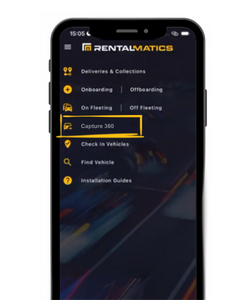
Capture 360 simplifies and standardises the vehicle inspection process. Designed for use directly within the RentalMatics app, it guides your staff through a structured photo sequence and allows for fast, accurate damage reporting — all in one place.

Whether you’re preparing a vehicle for rent or assessing its condition on return, Capture 360 ensures every inspection is consistent, complete and backed by visual proof.

Capture 360 isn’t just about better inspections — it’s about protecting your fleet, reducing admin, and delivering a more professional rental experience.

Users can utilise Capture 360 in two ways:

1. Capture a 360-degree photo sequence of the vehicle
2. Report any visible vehicle damage

These two options can be used independently, or together, to complete a thorough vehicle inspection.



Key Benefits of Capture 360


Streamlined Workflows

Speed up inspections with structured, repeatable processes.

Reduced Disputes

With time-stamped images and precise damage details, there’s no ambiguity.

Centralised Documents

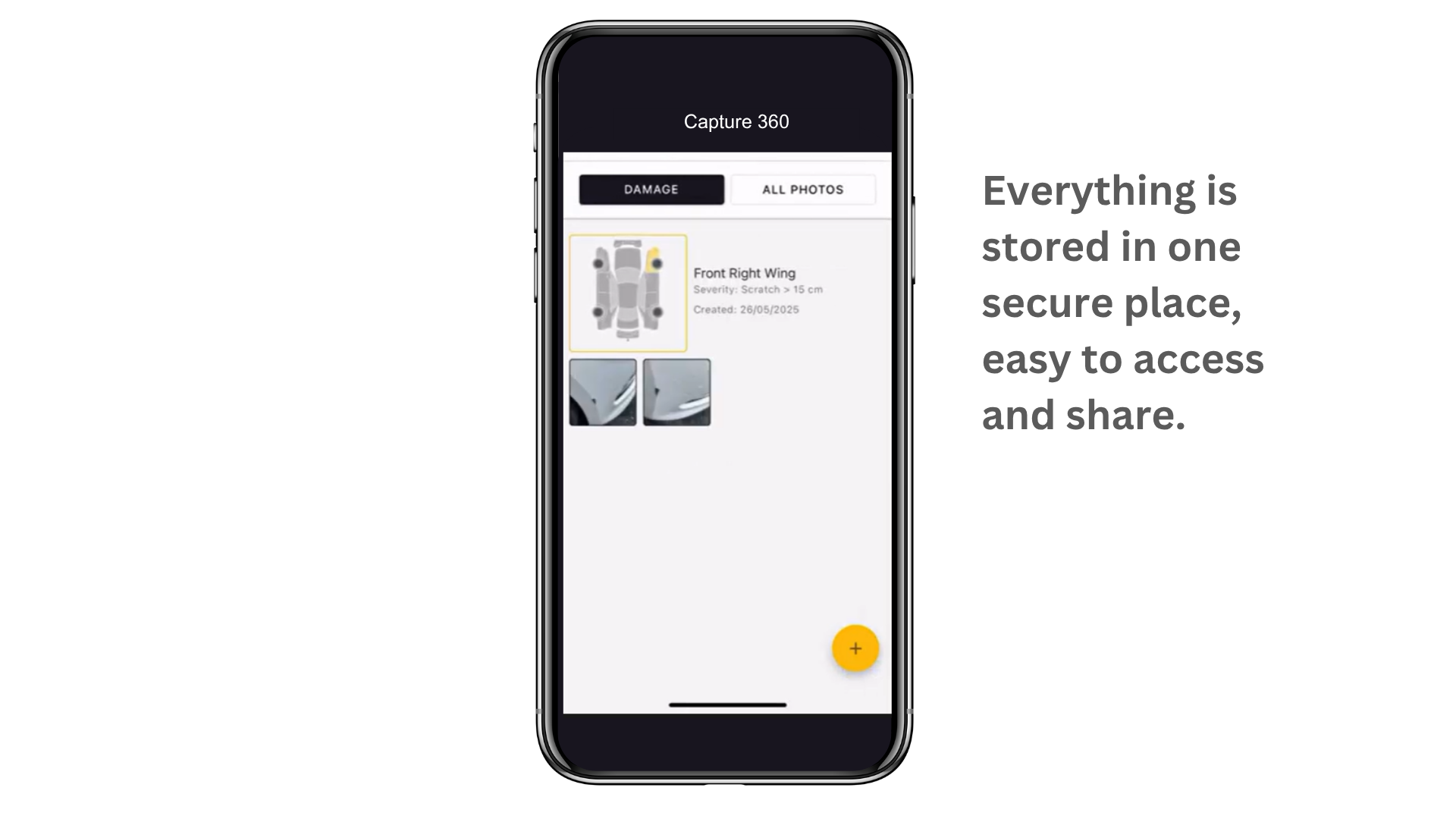
Everything is stored in one secure place, easy to access and share.

Better Staff Performance

Training is simple and results are consistent across your team.

Enhanced Customer Trust

Demonstrate transparency and professionalism at every handover, to ensure repeat business.

How it Works

1. Identify the Vehicle

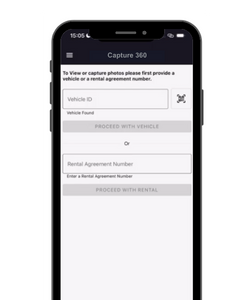
To start the inspection session, enter the vehicle number or the Rental Agreement (RA) number into the app. This ensures the system retrieves the correct vehicle or rental record, so that all subsequent photos and damage reports are linked directly to the correct record.

image

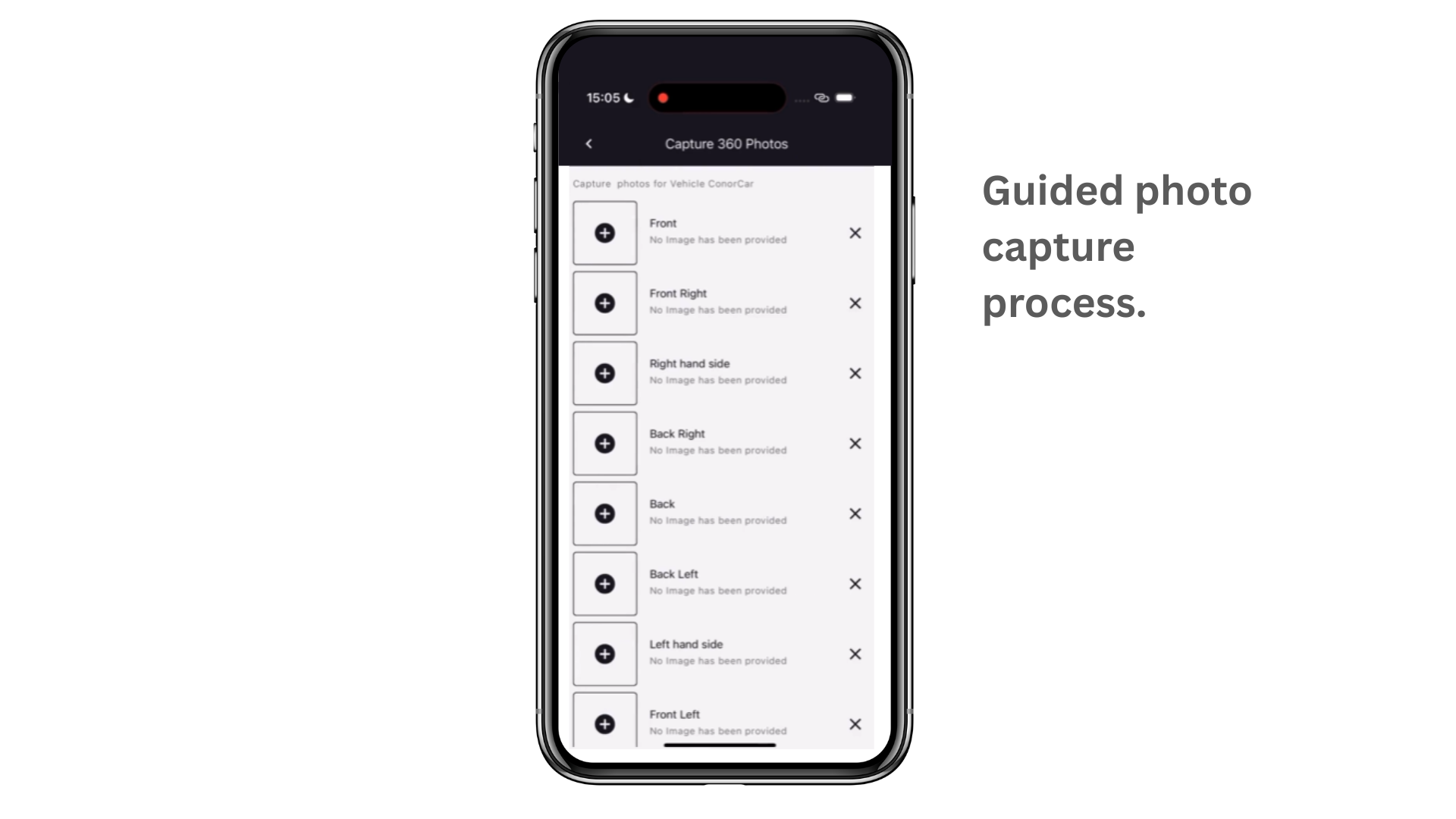
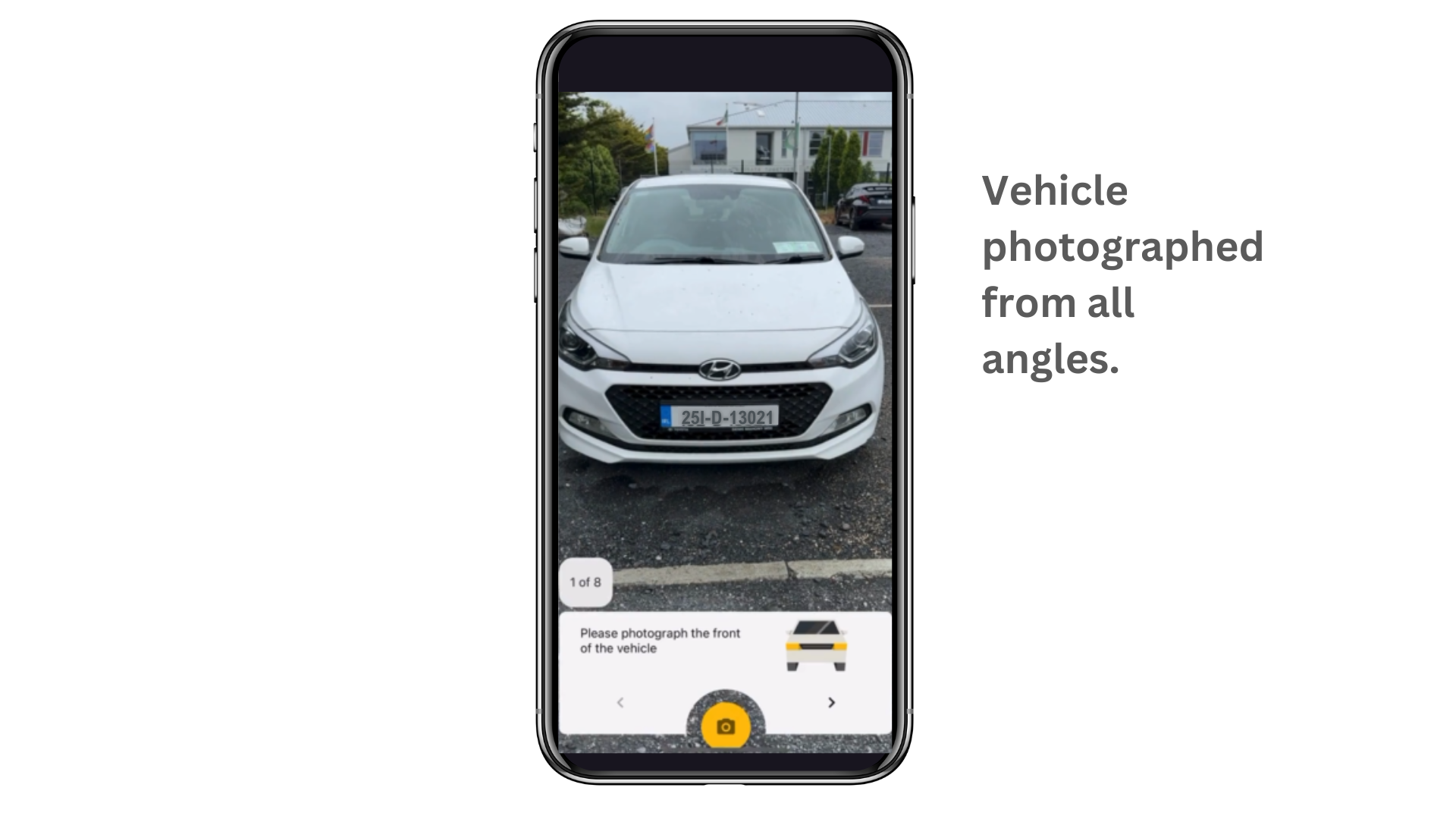
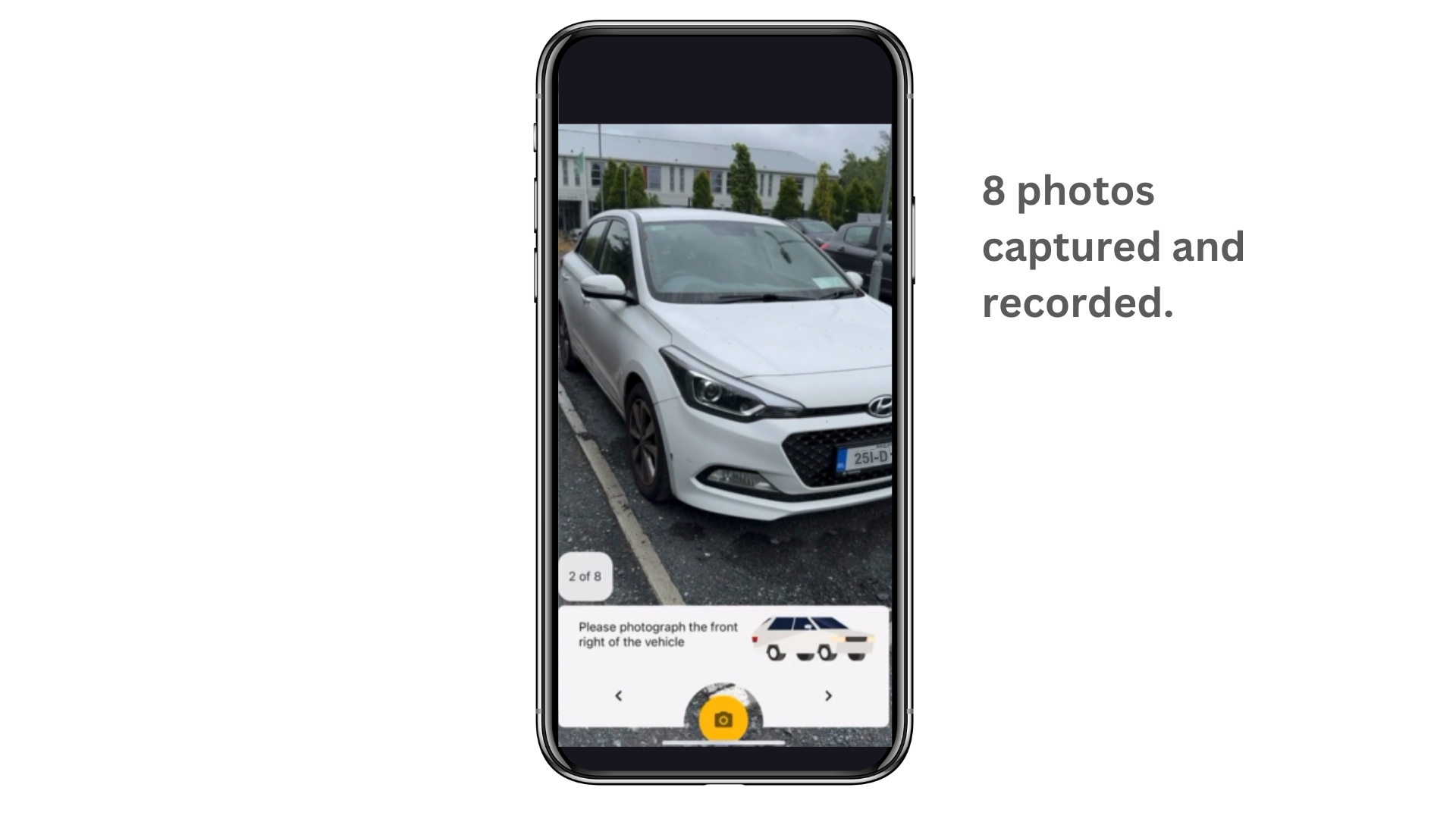
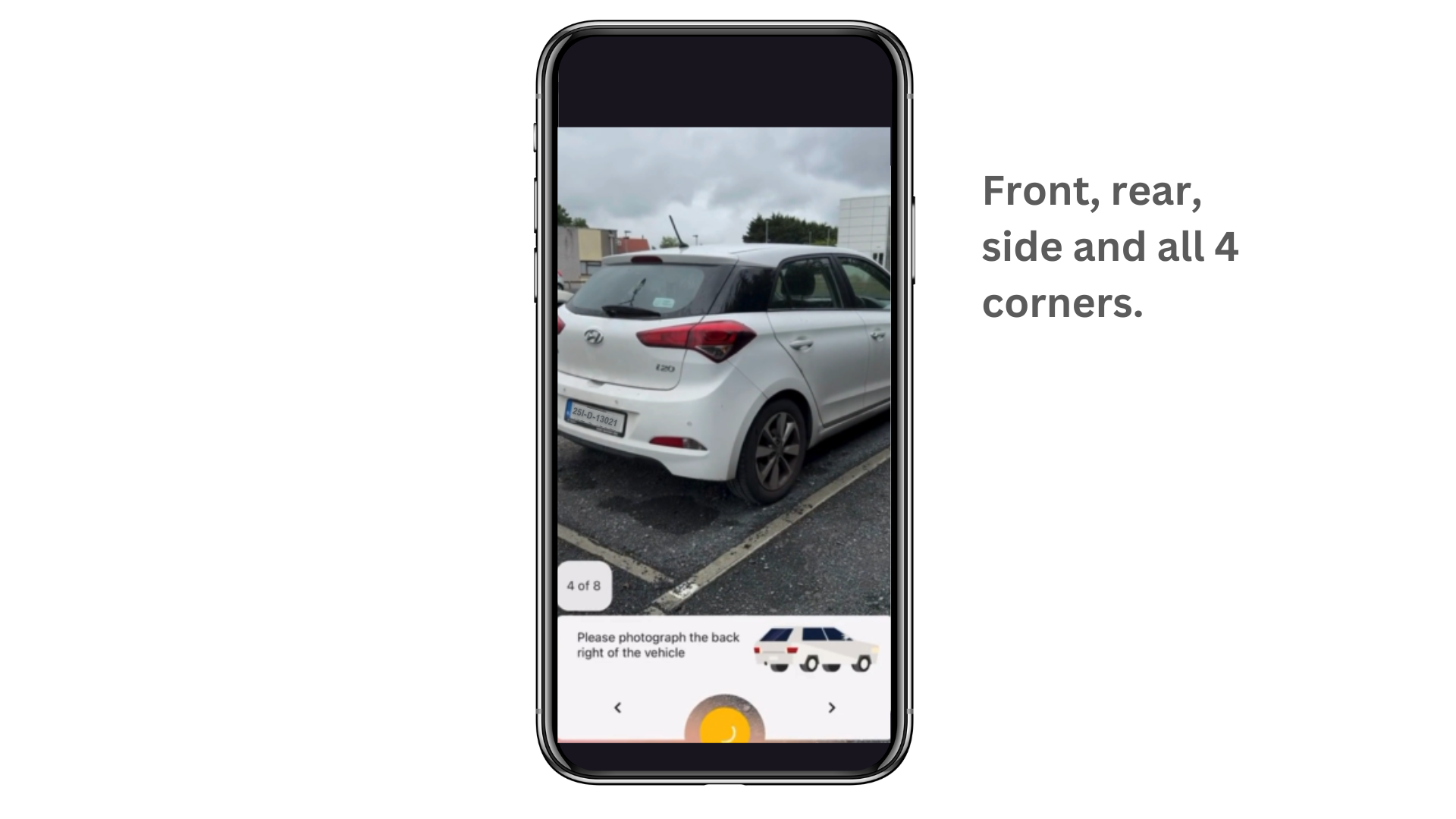
2. Capture 360° Photos

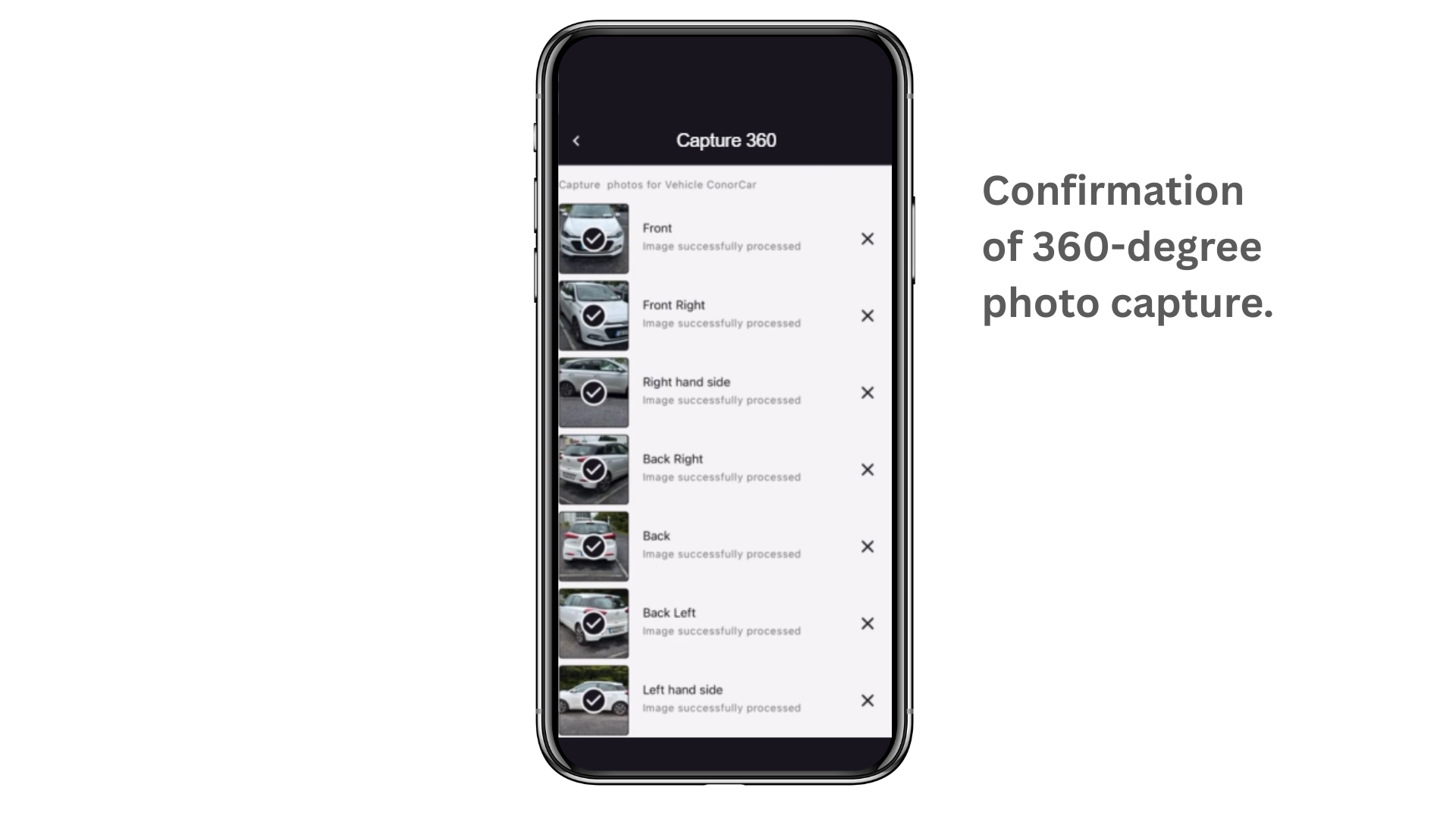
Follow a guided workflow to take eight images from key angles around the vehicle. This ensures full visual documentation of the vehicle’s condition – removing guesswork and reducing disputes. Once all required photos are captured, the images can be submitted directly through the app.

image

3. Report Damage Accurately

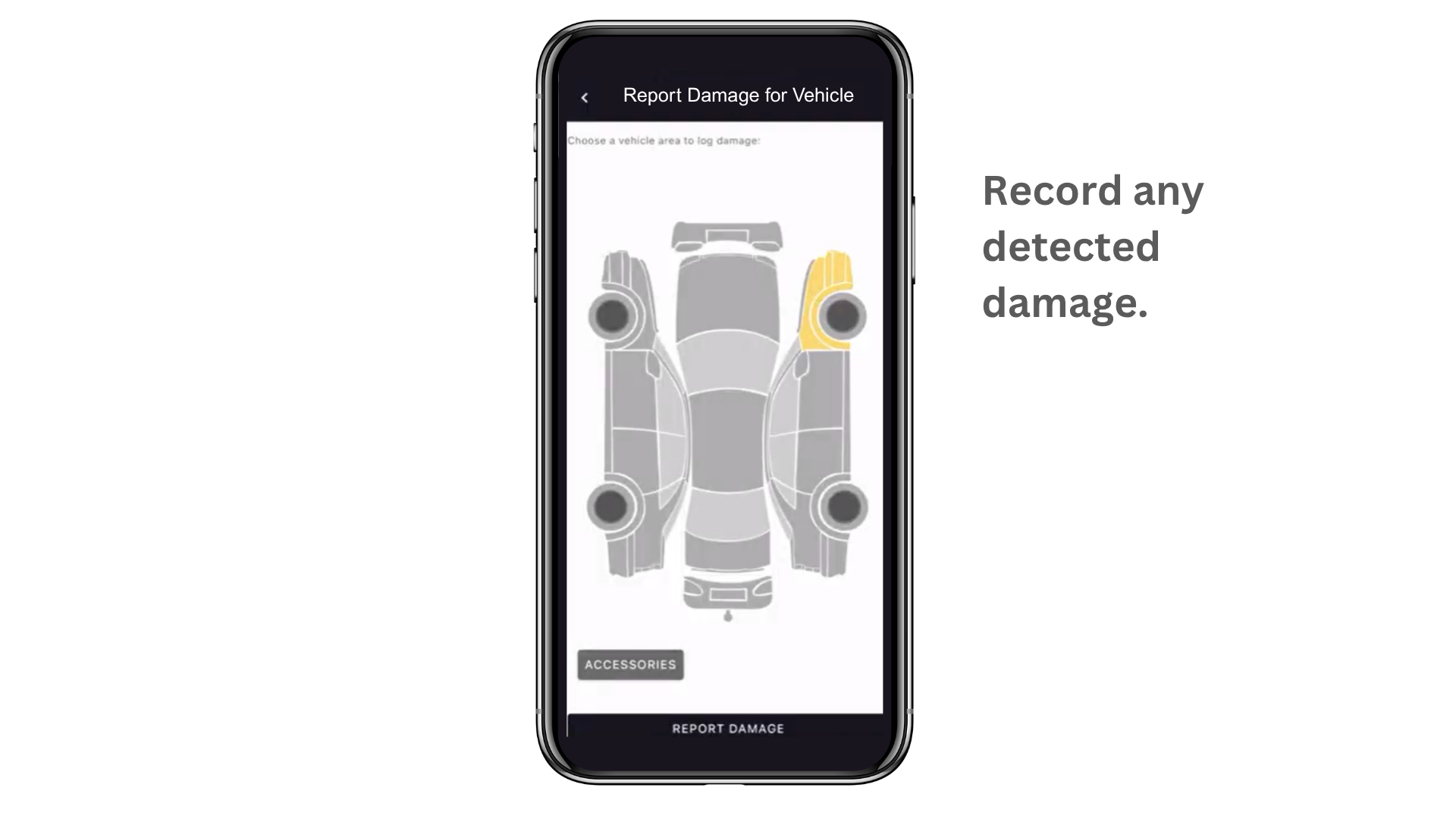
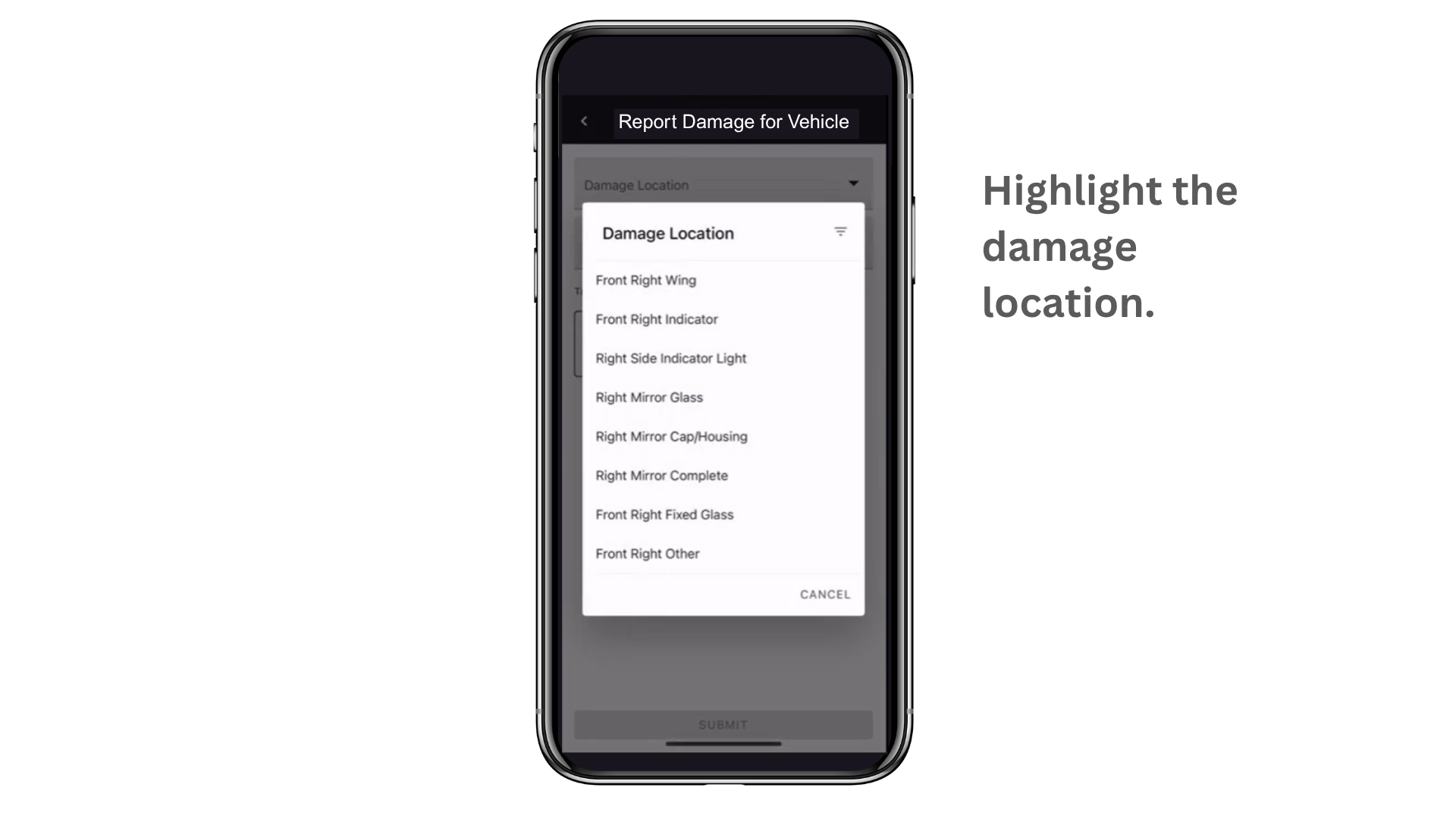
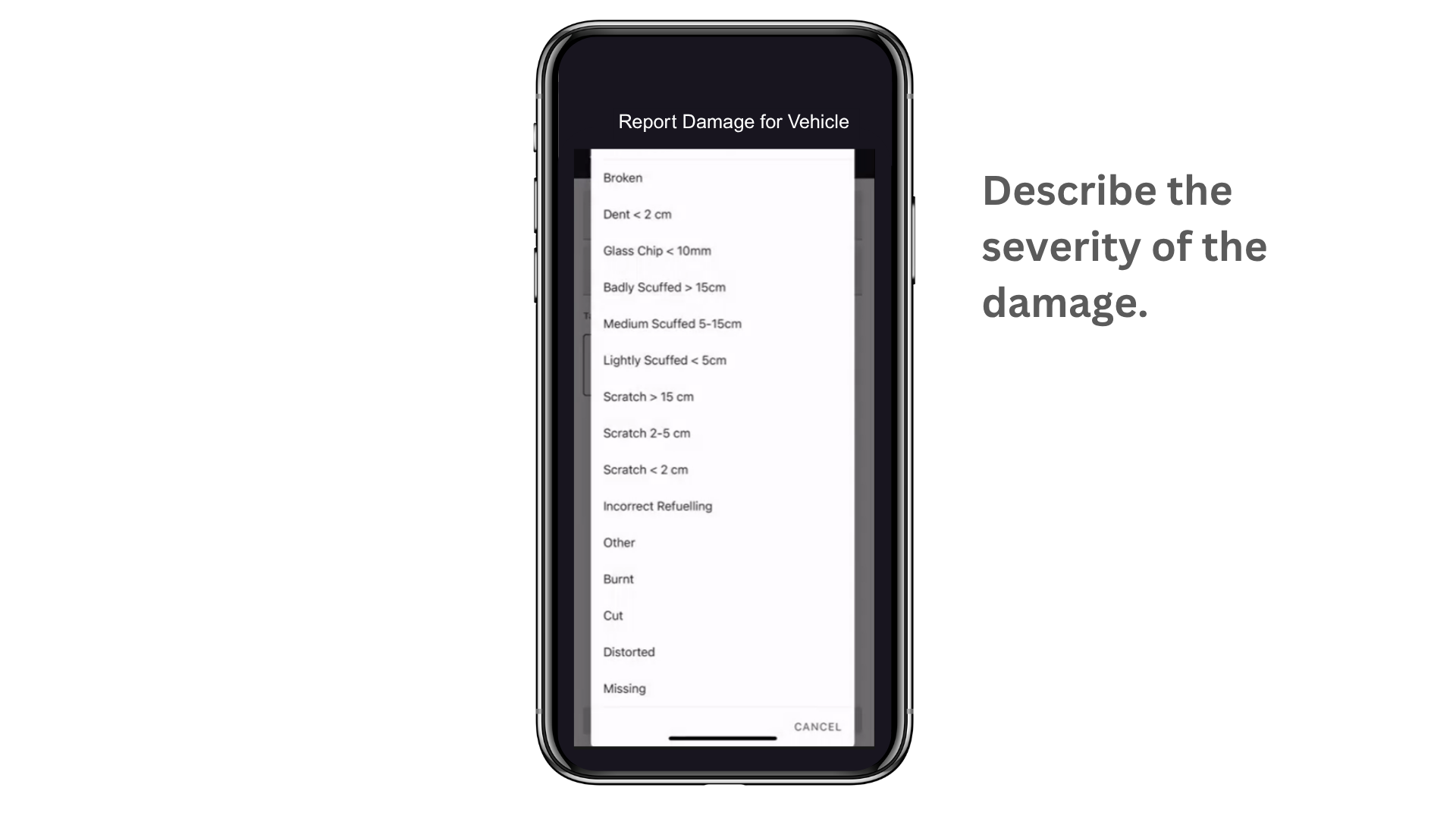
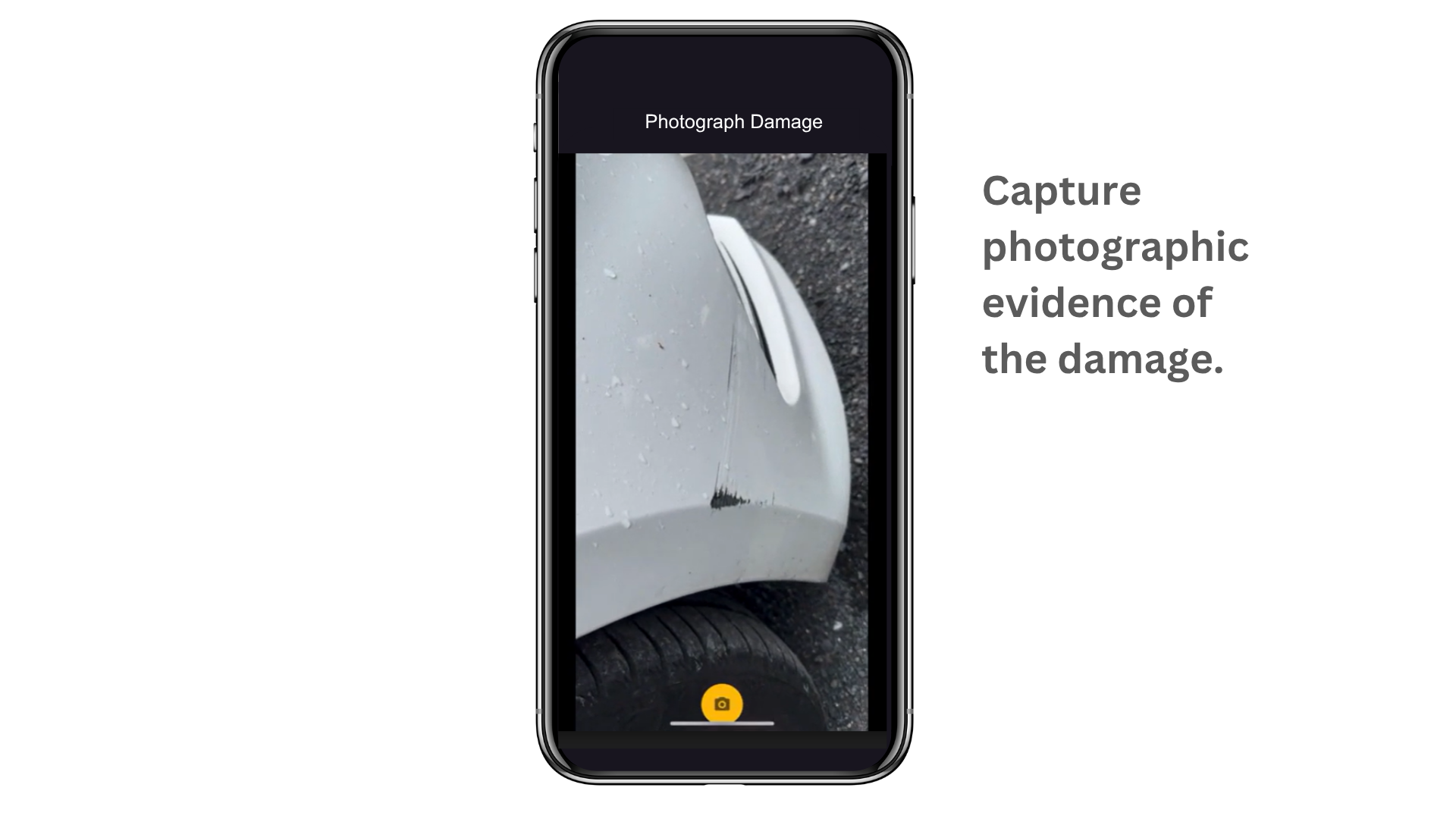
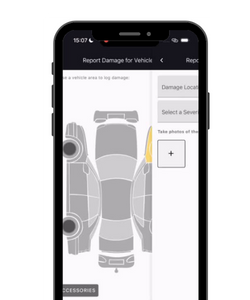
Use the interactive pictogram to pinpoint exactly where damage has occurred, choosing from exterior damage, interior damage or damage/loss of vehicle accessories. Add details like severity and type (e.g. dent, scratch, chip) and include supporting photos to build a complete and reliable report. Even record details about internal damage or missing materials from the vehicle (e.g. spare key, car documents, car jack).

All information can be recorded and added to the inspection report with supporting photographic evidence. Once submitted, the data is stored in the platform for review and future reference.

image

4. Instant Access to Records

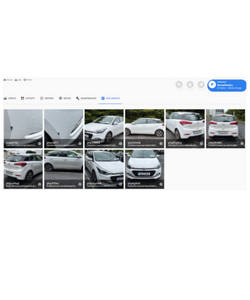
All submitted images and reports are stored securely in the cloud. You can retrieve them anytime from the vehicle’s profile, under the Documents tab — perfect for insurance claims, customer queries or maintenance tracking.

image
Gordon RentalMatics employee

Ready to simplify inspections and boost your bottom line?

With a track record of success, RentalMatics is leading the digital transformation of fleet management. It’s time to get ahead.

Contact us

To make requests for further information, contact us.